FREE ONLINE SECURITY ASSESSMENT
How Secure
Are You Online?
Take a free 3-minute online security assessment to identify potential risks and receive personalized recommendations to help protect your digital life.
✓ 100% Free ✓ No Signup Required ✓ Instant Results
Online Threats Are Growing Every Day
3.4 Billion
spam and phishing emails are sent every day targeting people worldwide.
Source: AAG / APWG
99.9%
of attacks can be blocked by multi-factor authentication (MFA), including verification codes.
Source: Microsoft
1.1 Million
identity theft and fraud reports were submitted to the FTC by consumers in 2024.
Source: FTC 2024 Fraud Report
Discover What May Be Putting You at Risk
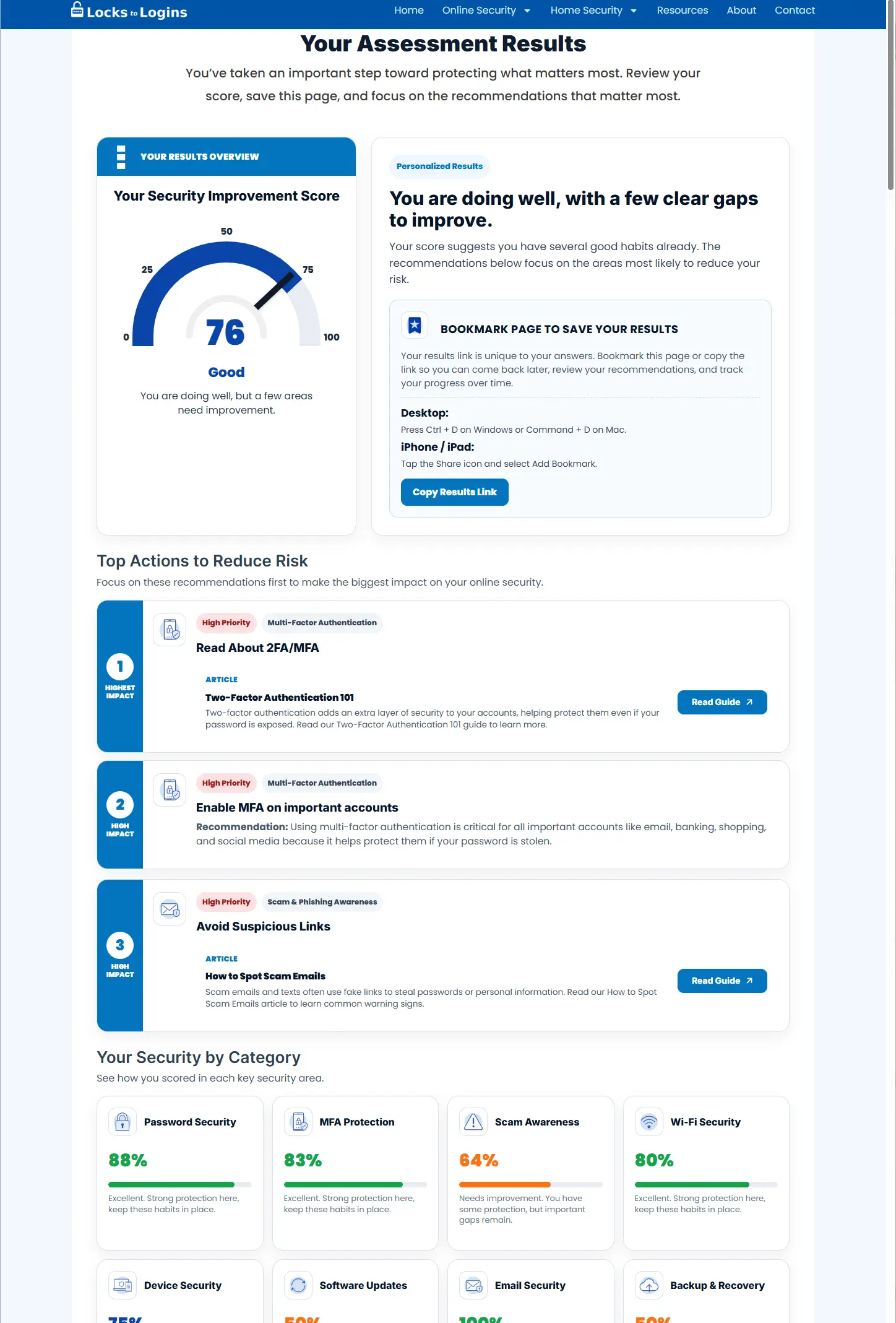
Our assessment reviews your online security habits and provides customized recommendations to strengthen your protection.
Password Security
See if your password habits may be putting your accounts at risk.
MFA Protection
Review how well your important accounts are protected with MFA.
Scam Awareness
Check your ability to spot phishing, scams, and impersonation attempts.
Wi-Fi Security
Review your Wi-Fi security habits for home and public networks.
Device Security
Check whether your devices and web browsers are set up securely.
Software Updates
See if outdated software could be leaving you vulnerable.
Email Security
Identify risky email habits and common security mistakes.
Backup & Recovery
Check whether you could recover your files if disaster strikes.
What You’ll Get
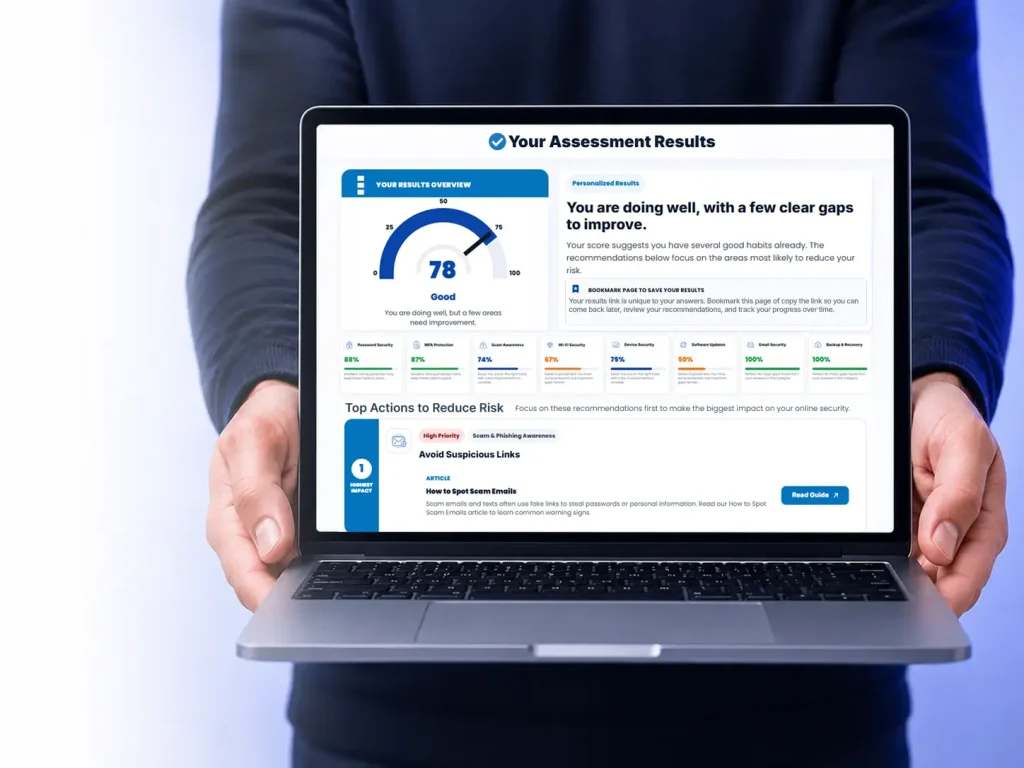
- Your overall security risk score
- A breakdown of your biggest security risks
- Personalized recommendations to improve weak spots
- Prioritized recommendations to improve your security
- Helpful tools and resources to stay protected
Built on Real-World Experience
Most security sites focus on either physical security or online security. Locks to Logins was built to cover both. The founder spent nearly five years as a Certified Registered Locksmith before transitioning to a 27-year career in technology, eventually becoming a Director of Information Technology. This site combines that real-world experience with plain-language security advice designed for everyday people.
25+ Years
Technology Exp.
Physical Security
Background
Current
Director of IT
Real-World
Practical Advice
Ready to See Where Your Online Security Stands?
Take the free assessment now and receive personalized security recommendations in minutes. No signup required. Completely free. No gimmicks.
Security Assessment FAQ
Answers to common questions about the online security assessment.
Is the online security assessment free?
Yes. This online security assessment is completely free to use and does not require any payment or subscription.
Do I need to enter my email address?
No. You can take the assessment and receive your results without creating an account or entering an email address.
How long does the assessment take?
Most people complete the assessment in about 3 minutes. There is no time limit though, so feel free to take your time and answer carefully.
What does the assessment check?
The assessment covers common online security habits and risk areas, including passwords, multi-factor authentication, scam awareness, device security, Wi-Fi security, software updates, backups, and email habits.
Who is this online security assessment designed for?
The assessment is designed for everyday people who want to better understand their online security risks without needing technical knowledge.
Are the recommendations really personalized?
Yes. Your results include recommendations based on your answers, including practical steps you can take to improve your online security.
What if I score poorly on the assessment?
This assessment is designed to simply help you understand your current online security habits, not judge them. A lower score simply means there may be opportunities to improve your passwords, device security, scam awareness, backups, or other security practices. Your results will include personalized guidance, recommended articles, practical security tips, and product recommendations that may help strengthen your protection over time.
Can I take the assessment more than once?
Absolutely. You can retake the assessment anytime to track improvements or test different security habits. In fact, we recommend bookmarking this page and retaking the assessment after making security changes like enabling multi-factor authentication, updating passwords, improving your Wi-Fi security, or setting up backups.
Why should I take an online security assessment?
Many people do not realize how small security habits can increase their risk online. This assessment helps identify potential weak spots before they become bigger problems.
Is my information stored or shared?
The assessment is designed to work without collecting personal information such as your name or email address. Your answers are not sold or shared with third parties.
Are the results generated instantly?
Yes. Your personalized results are generated immediately after completing the assessment.
Does this assessment replace professional security services?
No. This assessment is intended as an educational tool and general security guide, not a replacement for professional cybersecurity services or risk assessments.
Are the recommendations beginner friendly?
Yes. The recommendations are written in plain language and focus on practical steps most people can realistically follow.
How accurate are the results?
The results and recommendations are based on your answers and reflect common online security best practices. They are designed to provide general guidance, improve security awareness, and highlight potential areas for improvement, but should not be considered a professional security audit or guarantee of protection.
Why does Locks to Logins cover both physical & online security?
Real-world security often overlaps between physical and digital threats. Locks to Logins was created to help people understand both sides of modern security in a practical and approachable way.
Will this assessment help improve my online security habits?
Yes. The assessment is designed to help you identify weak spots, understand common security risks, and learn practical ways to better protect your accounts, devices, and personal information online.