Home and Online Security Made Simple

Clear, practical advice to protect your home, data, and identity from locks to logins.

Online Security

Protect your accounts, devices, and personal information with beginner-friendly guides covering VPNs, password managers, identity protection, and more.

Home Security

Keep your home safer with practical advice on locks, cameras, lighting, and smart devices. Honest reviews and real-world guidance for everyday homeowners and renters.

Real-World Security You Can Trust

Expert security advice from a former Certified Registered Locksmith and current Director of Information Technology with over two decades of experience in programming and cybersecurity, translated into plain-language guidance written for everyday people.

Why Security Matters More Than Ever

Most people do not realize how exposed they might be. Weak passwords, unsecured Wi-Fi, and overlooked physical security gaps all lead to unnecessary risks. The good news is that most of these risks can be reduced with a few simple, practical steps. That is exactly what Locks to Logins is here to help you do.

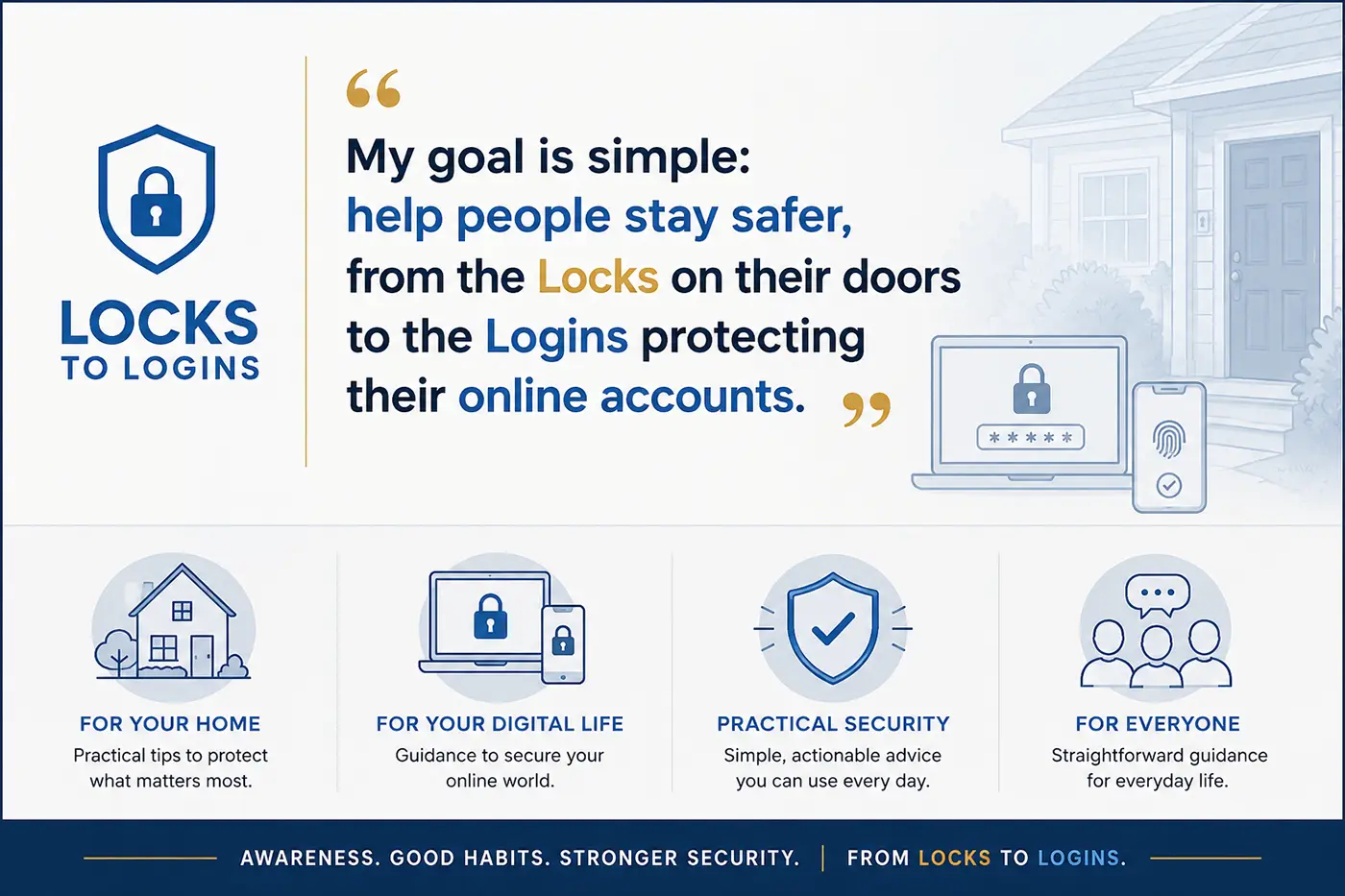
“Security should be simple, from the locks on your front door to your online privacy and security. I’m here to help you get there.”

Explore Security by Topic

Online Security: 

Learn how to protect your accounts, devices, and personal information with plain-language guides covering VPNs, password managers, two-factor authentication, and privacy tools.

Start with the online security overview for a guided introduction to the most important topics, or browse all online security guides to explore the full library of guides and articles

Or jump into these popular Online Security guides:

Home Security: 

Improve your physical security with practical advice on locks, cameras, lighting, and smart devices. Real guidance for homeowners and renters alike.

Start with the home security overview for a guided introduction, or browse all home security guides to explore the complete collection of guides and articles.

Or jump into these popular Home Security guides:

Latest Security Guides and Insights

Fresh guides, honest reviews, and practical security advice to help you protect your home and digital life. New content added regularly. You can also explore the full library of security guides and articles in Online Security or Home Security.

About Locks to Logins

Locks to Logins was created to make security simple and practical for everyday people. From protecting your home to securing your personal information online, the goal is to help you understand what actually matters and take action without unnecessary complexity.

With a background as a Certified Registered Locksmith and over two decades of experience in IT and cybersecurity, the approach here combines real-world physical security knowledge with modern digital protection.

Whether you are a first-time homeowner or just trying to get a handle on your online privacy, everything here is written to be clear, honest, and genuinely useful.

Learn more about Michael Kendrick, the Certified Registered Locksmith turned Director of Information Technology with 27 years in technology behind every guide on this site.

FAQ

Still have questions? Here are a few quick answers to common security concerns.

If I only focused on a few key steps, how can I improve my online security?

Start by using a password manager to create strong, unique passwords for every account. Enable two-factor authentication wherever possible. And use a VPN, especially on public Wi-Fi, to protect your data and privacy.

Focus on the basics first. Secure all doors and windows with quality locks, improve visibility with outdoor lighting, and consider adding cameras or a video doorbell. These simple steps cover the most common entry points and risks.

Reusing passwords across multiple accounts is one of the most common and risky mistakes. If one account is compromised, it can lead to others being accessed as well. Passwords are the keys to your digital kingdom, and using a password manager makes it easy to create strong, unique passwords for every account.

A VPN adds an extra layer of privacy by encrypting your internet traffic and masking your IP address. While not always required, it is especially useful for protecting your data and browsing activity.

Not at all. Most security improvements come down to a few simple habits, like using strong passwords, enabling extra protection, and staying aware of common risks.

Get Practical Security Tips Delivered to Your Inbox

Helpful guides, honest product updates, and real-world security advice sent straight to you. No spam, no fluff, and easy to unsubscribe anytime.