
NordPass Review: This review looks at how NordPass performs, what features stand out, and whether it is worth it.
NordPass Rating 4.75 / 5.0

Pros
• Strong modern encryption (XChaCha20)
• Simple clean interface
• Unlimited devices and passwords
• Useful security tools (breach scanner, password health)
• Smooth cross platform support
• Excellent value when bundled with NordVPN Plus
Cons
• Lacks advanced power features
• Limited offline functionality
• Autofill misses some sites (typical with Password Managers)
Advanced Security Made Simple
Tired of juggling dozens or even hundreds of passwords for banks, groceries, streaming, and all those random accounts you barely remember signing up for? I hit that point myself years ago and knew something had to change. With the number of online services exploding, password managers are no longer a nice-to-have, they are essential. They turn all that password noise and chaos into something easy to manage. Everything gets encrypted and stored safely, your logins autofill when you need them, and weak or reused passwords get flagged before they become a problem. In a sign-up obsessed world, it is the smartest way to stay organized and safe without the hassle.
About This NordPass Review
For this review, I first tested the NordPass free version and recently upgraded to Premium when I purchased NordVPN Plus, which bundles both services together. I have been actively using it daily on both my PC and phone, which gave me real experience with cross-device syncing, autofill performance, and the Premium features like the data breach scanner and password health tools. This review also draws from independent testing data, published audits, and verified user reports. We focus on what matters for everyday security and privacy, not unnecessary technical details.
Disclosure: This page contains affiliate links. If you buy through them, I may earn a commission at no extra cost to you. Learn more.
Quick Verdict
This password manager offers a strong balance of security and simplicity. It has modern encryption, unlimited syncing, and a clean design that works well for beginners and experienced users alike. I believe the best value comes from bundling it with NordVPN Plus, which gives you both a premium password manager and a secure VPN in one package. If you want to check it out, here is the official deal for NordPass or go straight for the better value with NordVPN Plus which includes NordPass Premium.
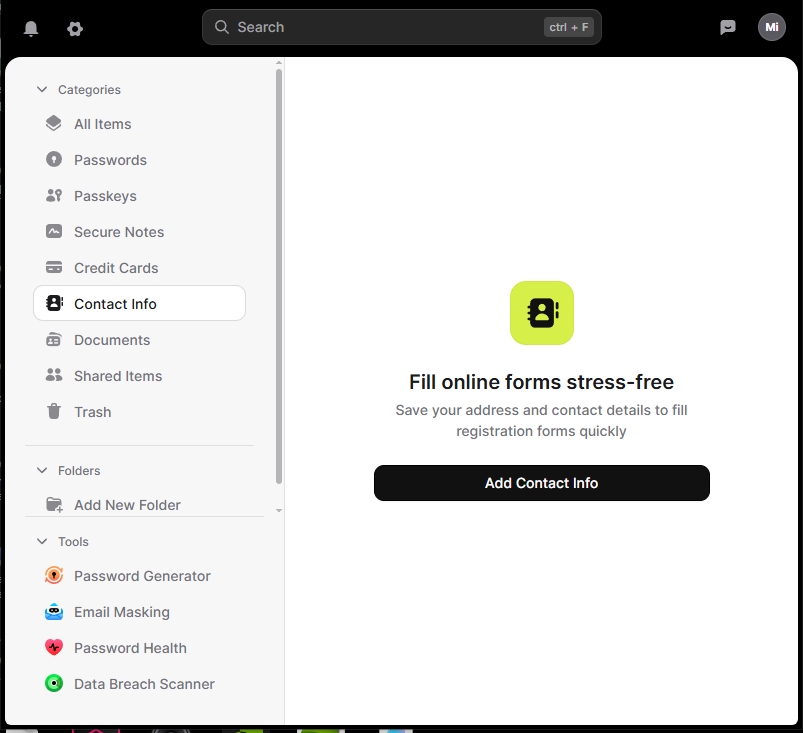
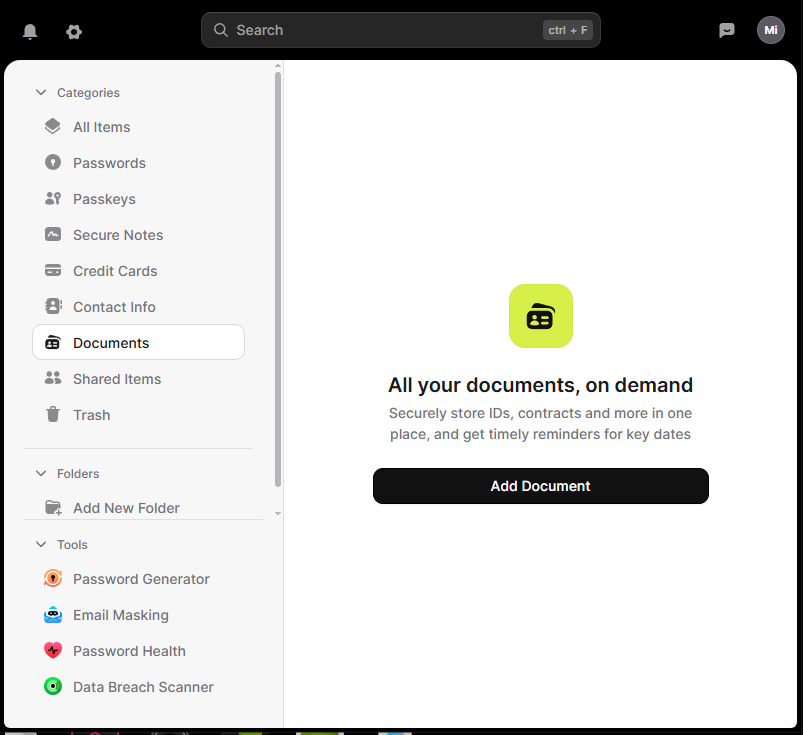
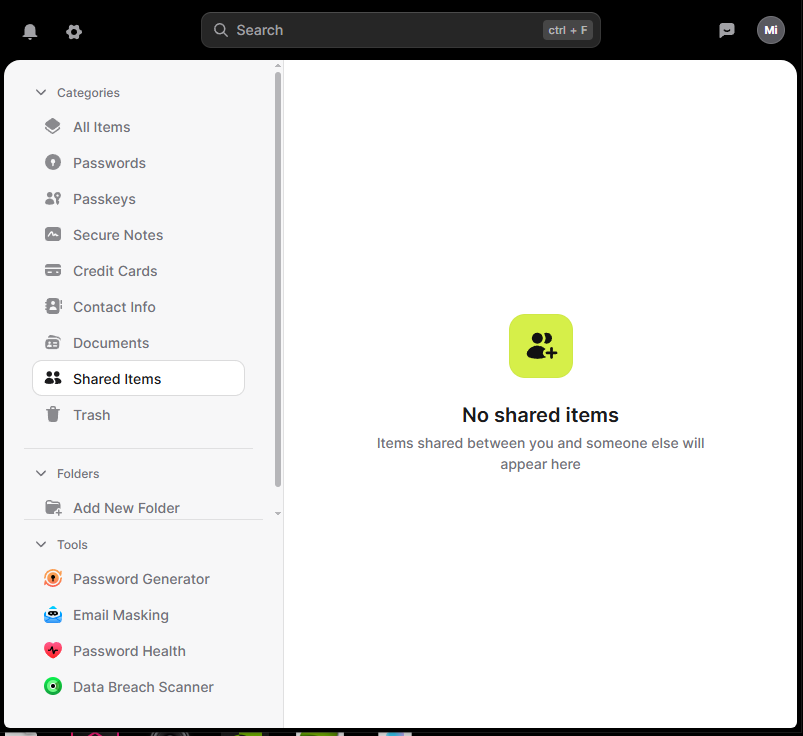
Screenshots:
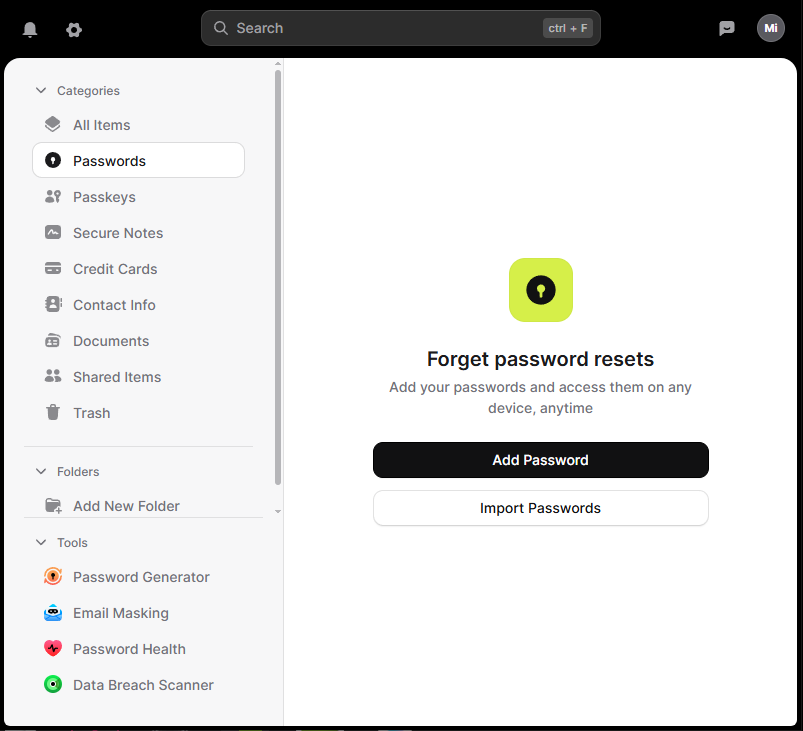
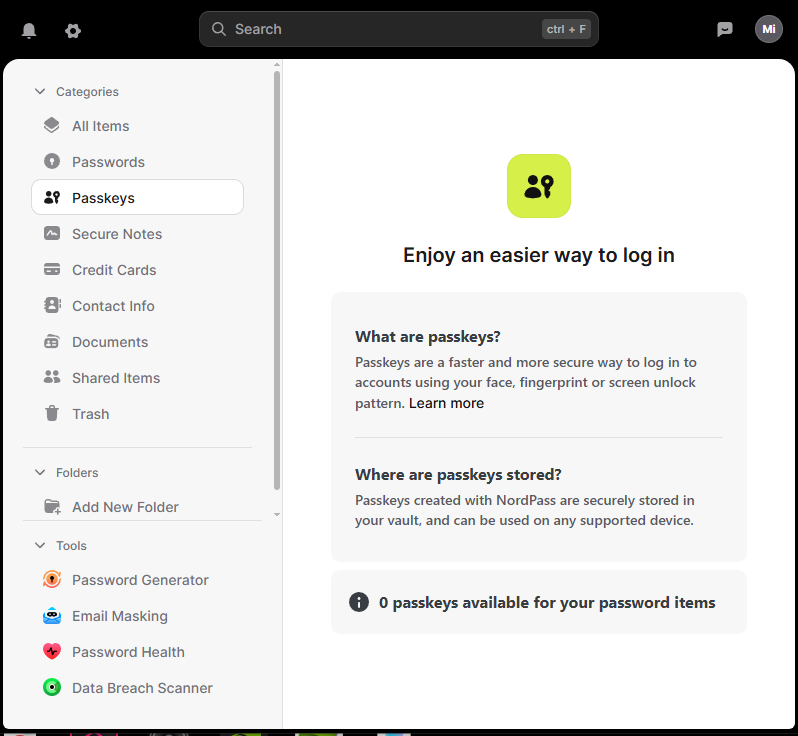
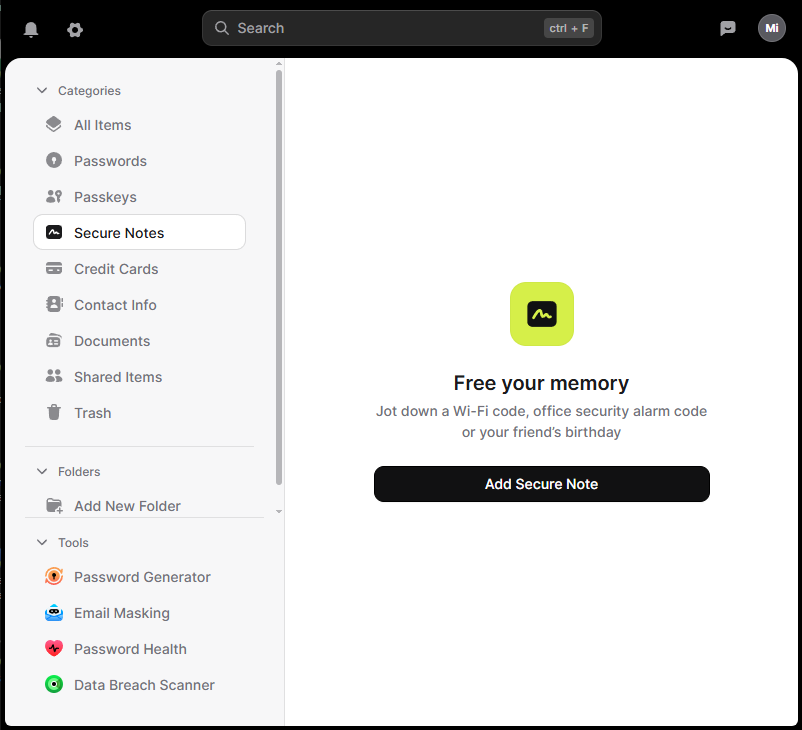
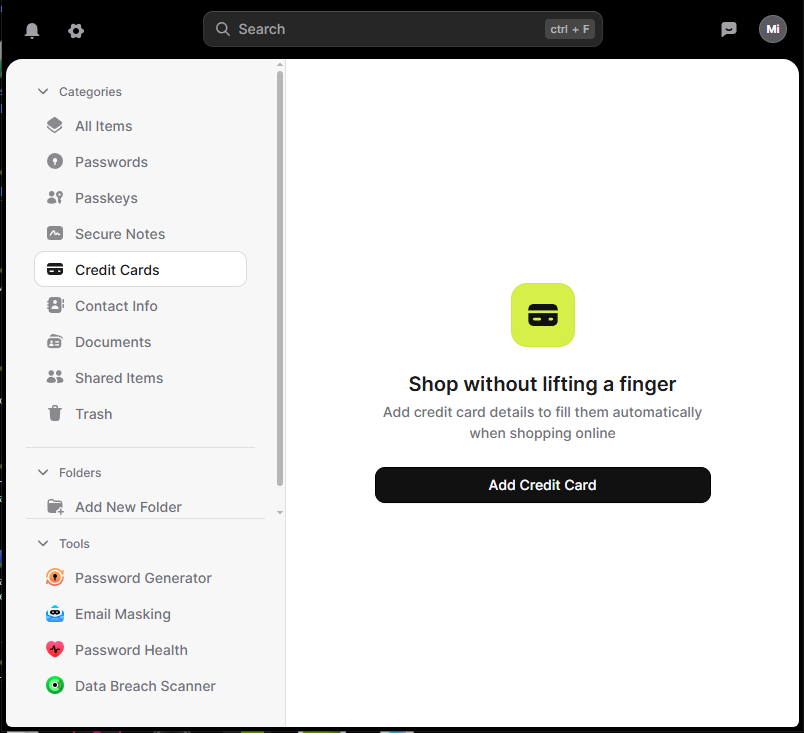
What Stands Out
Zero-knowledge design
This means not even NordPass can peek at your data. It is encrypted on your device before syncing. It’s like a safe only you can unlock, because only you have the combination.
NordPass has been independently audited by Cure53, a respected cybersecurity firm. Their 2020 security assessment examined the cryptographic design and applications, identified vulnerabilities that were all fixed and verified, and concluded the platform is secure. NordPass has also achieved SOC 2 Type 2 compliance. Between the independent audits and ongoing compliance certifications, I’d call that battle-tested enough to trust with your passwords.
Important: Master Password and Recovery Code
Your master password is the only key to your vault, so choose one you can remember. If you forget it, your only recovery option is a Recovery Code that you must get in advance (Settings > Security > Recovery Code). NordPass lets you save this code as a PDF, which you should print and store in a safe or lockbox. Without your master password and without this recovery code, NordPass support cannot help you recover your vault. They can only reset your entire account, which erases all stored passwords. Getting your Recovery Code takes two minutes and could save you from losing everything.
Modern encryption with XChaCha20
Most password managers use AES 256 encryption (1Password, LastPass, Bitwarden, Keeper) which is already strong. NordPass uses XChaCha20 which is newer, faster, and designed to handle modern attack methods. The simple way to look at it is this. AES 256 is a great lock. XChaCha20 is a newer version of that lock with extra reinforcement.
Data breach scanner
This tool checks to see if your passwords or email addresses show up in known data leaks. If something looks exposed, NordPass alerts you so you can update it before someone tries to use that information. If you want to independently check or verify breach results on your own, the free site Have I Been Pwned is a nice simple way to see if your email has ever been exposed.
Unlimited passwords and unlimited devices
This is included on Premium plans, which is not something every competitor offers. Moving between my laptop and phone throughout the day works seamlessly. Everything stays synced without any extra effort.
Clean and simple design
The interface is friendly and easy to learn. You are never digging through clutter or confusing menus. Everything is where you’d expect it to be. After using it daily for months, I can say the design stays out of your way and just works.
Works on all major platforms
Windows, Mac, Linux, Android, iPhone, and every major browser. The experience feels consistent everywhere. I use it on both Windows PC and Android phone without any hiccups.
Strong password generator
Long, random passwords are created for you with one click, which helps you avoid weak or repeated passwords.
Secure password sharing
If you need to share a password with a spouse or coworker, NordPass lets you do it safely inside an encrypted environment instead of sending it through text or email.
Password health tool
This feature analyzes your saved passwords and flags weak, reused, or old credentials. It gives you a clear action list of what needs updating, which makes improving your password security much easier.
Emergency access
You can designate trusted contacts who can request access to your vault in case of emergency. You control the waiting period before access is granted, giving you time to deny the request if it was not legitimate.
File attachments in vault items
You can attach files directly to password entries, like security question answers, backup codes, or important documents. This keeps everything related to an account in one secure place.
Things to Keep in Mind
Autofill accuracy
Autofill works well for most websites. In my testing across common sites like banking, shopping, and streaming services, I have not run into any problems yet. That said, some pages use unusual or custom login fields that can confuse any password manager. These cases might require an extra click or a manual selection. Mobile apps can sometimes have moments where the autofill prompt does not appear immediately. These are small annoyances, and they affect all password managers to some degree.
Fewer advanced features compared to power user focused tools
NordPass keeps things simple and works great for people looking for a straightforward password manager. Some tech-heavy users might want deeper features or more customization than what this password manager currently offers.
Offline mode feels limited
Your vault is still visible offline, but edits and syncing wait for reconnection. This is a common limitation among password managers. For example, Bitwarden also doesn’t support offline editing, and LastPass has similar restrictions. The standout exception is 1Password, which allows you to view and edit entries offline with changes syncing automatically when you reconnect. For most using NordPass, this isn’t a deal-breaker since you’re typically online when accessing accounts, but it’s worth noting if offline editing is important to you.
Plans & Pricing
NordPass offers three main plans, and prices tend to fluctuate with promotions, so these are ballpark figures to help you budget:
Free Plan
- Unlimited passwords and secure notes on one device*
- Password generator and basic autofill
- Core security features
- Missing: Multi-device sync, emergency access, secure sharing, data breach scanner
*Note: You can install NordPass on multiple devices, but you can only be logged in on one at a time. Logging in on a new device logs you out of the previous one. Switching between devices is easy, but this single-device limitation was the most frustrating part of the free version. If you frequently move between devices, Premium’s ability to stay logged in everywhere makes a huge difference.
Premium Plan (Individual)
- Approximately $1.20 to $1.99 per month when billed annually
- Unlimited devices with full sync
- Password health checks and data breach scanner
- Secure password sharing and emergency access
- Trusted contacts feature
- File attachments in vault items
- Tools to identify weak or reused passwords
- This is the full experience most people want
Family Plan (Up to 6 Users)
- Approximately $2.79 to $3.69 per month when billed annually
- Each person gets their own private Premium account
- All Premium features for everyone
- Shared vaults for family passwords (streaming, bills, etc.)
- Easier management for households
- Best value if multiple people need password management
Get NordPass bundled with NordVPN Plus (Best Value)
- NordVPN Plus includes NordPass Premium
- Protects both your passwords and your internet connection
- All Premium NordPass features included
- Check current pricing at NordVPN Plus
What You Should Know:
- All paid plans include a 30 day money-back guarantee
- Annual billing is significantly cheaper than month-to-month
- Longer commitments (2 year plans) drop the monthly cost even more
- NordPass runs frequent promotions, so check their site for current deals
The pricing is competitive with other major password managers, especially considering you get unlimited devices on Premium (some competitors restrict this). For most people, bundling NordPass with NordVPN Plus is the smartest choice because it covers both password security and online privacy at a better overall value than buying them separately.
Who Should Consider NordPass
This password manager is a great choice if you want:
- A simple and secure password manager
- Strong encryption with a zero-knowledge design
- Unlimited syncing across devices
- A clean interface that is easy to understand
- Tools that help you identify weak or reused passwords
- The option to bundle it with a VPN for complete online protection
It may not be ideal for users who want many advanced features or deep customization. For most people, it hits the perfect middle ground between safety, ease of use, and price.
Final Thoughts
NordPass delivers strong encryption, unlimited syncing, a clean design, and genuinely useful tools like the breach scanner and password health checker. It strikes a nice balance between security and simplicity, which makes managing your passwords feel effortless. After using it daily across multiple devices, I can say it does what it promises without getting in your way. If you want better password habits without overthinking it, this is a solid choice.
After the intro pricing ends, it usually lands a bit higher than some other password managers. Personally, security is one of those things I don’t like to cut corners on, and the polish and reliability here make the extra cost feel justified.
If you already use or plan to use a VPN, I think the best value is the NordVPN Plus bundle. That’s how I use it, and it just makes more sense than juggling multiple subscriptions.
If you want to understand the bigger picture around passwords and online security first, take a look at my guide: Password Security 101: The Keys to Your Kingdom
If you want to check it out for yourself, you can head over to NordPass to see their current deals, or go with NordVPN Plus if you want both in one subscription.
Explore more Online Security guides for related tips, tools, and reviews.

michael@lockstologins.com
Offering practical security guidance, focused on everyday habits and solutions that help protect what matters.
Related Posts

How a Credit Freeze Can Help Combat Identity Theft
Learn how a credit freeze protects you after identity theft, how to set one up fast, and when to use it to stop criminals from opening accounts in your name.

Password Managers 101: What They Are and How They Work
Learn what a password manager is, how it works, and why using one is the easiest way to stay secure online. Simple guide for beginners.

NordVPN Review 2026: Real Testing, Speed, Security & Value
This review covers NordVPN’s speed, security, reliability, and everyday performance with clear scoring and testing insights to help you decide if it’s the right VPN.